Blog
Guides for 24/7 streaming
Practical guides on running always-on live streams — setup, reliability, and platform specifics.
How-To
How to Stream Your Screen to YouTube Without OBS
Share your Windows desktop live on YouTube without OBS: pick a monitor, add a camera and microphone, set 1080p, and go live. Free on every plan, with the limits spelled out.
Read article
How-To
Stream 24/7 on YouTube Without a PC
Run an always-on YouTube stream with your computer switched off: why a home PC fails, the three ways around it, and a step-by-step StreamOps Cloud setup with prices.
Read article
Comparison
OneStream Live vs StreamOps
OneStream's 24-hour add-on, YouTube-only 24/7 and 30-day limit, against StreamOps Cloud and StreamOps on your own PC: price per stream, platforms and storage.
Read article
Comparison
Restream vs StreamOps
Restream is built for live shows on many platforms; StreamOps for streams that never stop. Upload & Stream add-ons, the 40-hour loop limit and what each costs.
Read article
Comparison
Castr vs StreamOps
Castr's pre-recorded limits per plan — files, storage, formats and bandwidth — against StreamOps Cloud and StreamOps on your own PC for a 24/7 channel.
Read article
How-To
Connect Claude, ChatGPT & Gemini to Your Live Streams
Connect an AI assistant to StreamOps through its MCP server: what it can read, sign-in or API key setup, prompts to try, and how access stays safe.
Read article
Guide
24/7 Church Stream Between Services
Replay sermons and worship all week, hand over to the live service on Sunday, and keep the music licensing straight.
Read article
Guide
24/7 Educational Live Stream
Turn a lecture library into an always-on class: a subject timetable, readable slides, exam-prep and study-with-me formats, and the rules for children's content.
Read article
Guide
24/7 Rain & Nature Sounds Stream
Recording or licensing the audio, loops nobody can hear, settings that barely use any bandwidth, and what YouTube looks for before it pays.
Read article
Guide
24/7 Temple Live Darshan Stream
Stay live around the clock with recorded darshan and aarti replays on temple timings — and hand over to the live camera for aarti.
Read article
Comparison
LiveReacting vs StreamOps
Interactive cloud streams against StreamOps automation, in the cloud or on your own PC: prices, stream limits, storage, and which one fits an always-on channel.
Read article
Comparison
Upstream vs StreamOps
Upstream against StreamOps Cloud and StreamOps on your own PC: per-stream pricing, overlays, recovery, and which one fits how you work.
Read article
Guide
Copyright Strike on a YouTube Live Stream
What YouTube does when a live stream contains copyrighted content: the placeholder, the 7-day live restriction, the 90-day strike, and how to avoid them.
Read article
Comparison
Gyre vs StreamOps
Gyre against StreamOps Cloud and StreamOps on your own PC: price per stream, storage limits, playlists, scheduling, and which one fits your channel.
Read article
Guide
Do Live Streams Count Toward 4,000 Watch Hours?
Which live watch time counts toward the YouTube Partner Program, why a stream longer than 12 hours may not, and how many viewers you need.
Read article
Comparison
Best 24/7 Live Streaming Software in 2026
Six ways to run an always-on stream compared — StreamOps, Upstream, Gyre, LiveReacting, OneStream Live and OBS — with prices, limits, and who each suits.
Read article
Guide
Is 24/7 Live Streaming Allowed on YouTube?
Yes — but four sets of rules apply to looped and pre-recorded streams: copyright, spam, monetization, and the 12-hour archive limit.
Read article
How-To
How to Loop a Video as a Live Stream on YouTube
Three ways to loop a pre-recorded video on YouTube Live — FFmpeg, OBS, and StreamOps — with copy-paste commands and tips for an invisible loop point.
Read article
Guide
24/7 Lofi / Music Radio Stream
How to run an always-on music stream: music rights, turning audio and artwork into a streamable video, low-bandwidth settings, and staying live unattended.
Read article
Guide
24/7 Devotional Live Stream
Play the right bhajans for each day and aarti time, automatically: a weekly deity calendar, morning and evening slots, festival schedules, and AI planning.
Read article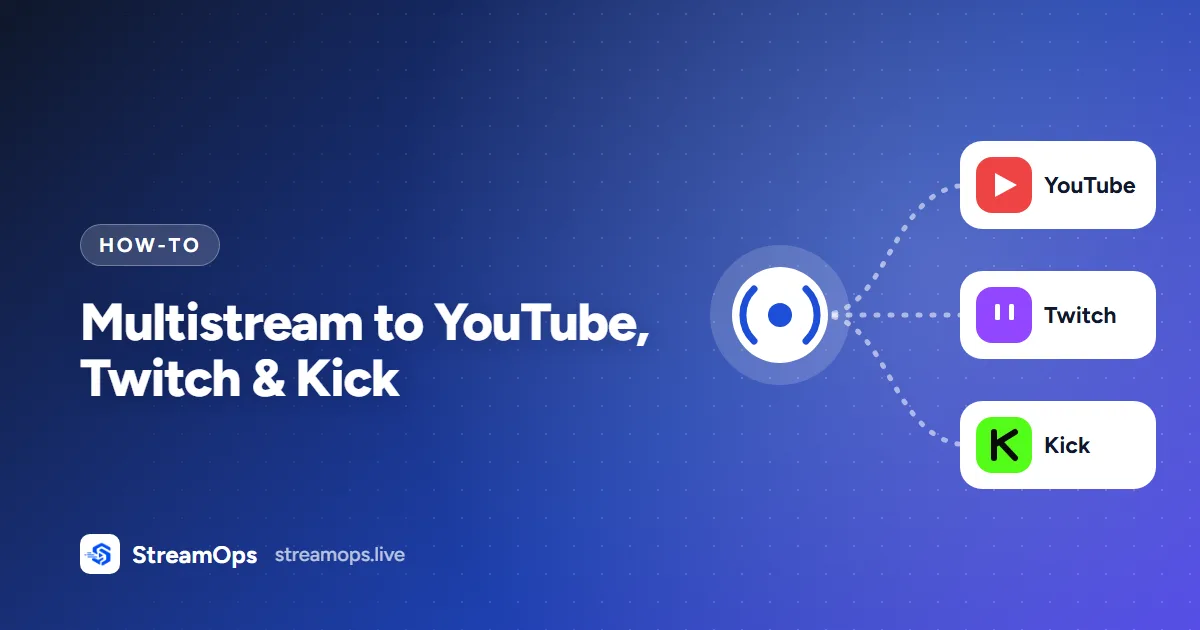
How-To
Multistream to YouTube, Twitch & Kick
Send one stream to YouTube, Twitch and Kick at the same time — how one encode feeds all three, the upload you really need, and platform bitrate limits.
Read article
How-To
Stream Without OBS Open or Your PC Sleeping
Run streams as a background service and stop Windows or Linux from sleeping, updating or powering down under them — with the exact commands.
Read article
Technical
YouTube Stream Keys Explained
Why your stream URL changed and why a key stopped working: how YouTube keys and broadcasts fit together, and which key keeps a 24/7 stream online.
Read article
Troubleshooting
Why Your 24/7 Stream Keeps Ending
The six reasons an always-on stream stops — sleep, network drops, frozen encoders, bad files, YouTube ending the broadcast, copyright — and the fix for each.
Read article
Guide
Stream Scheduling
Play a chosen video at set times on a 24/7 stream, repeat it daily or weekly, update the YouTube title for the window, and return to the regular playlist.
Read article
Guide
Playlist-Based Streaming
How playlist-based live streaming works under the hood, how to order a video library so a 24/7 loop doesn't feel repetitive, and how scheduled takeovers fit in.
Read article
Guide
What is StreamOps?
StreamOps streams pre-recorded videos as 24/7 live broadcasts to YouTube, Twitch, and any RTMP platform, from your own PC or from StreamOps Cloud. Here's how it works and who it's for.
Read article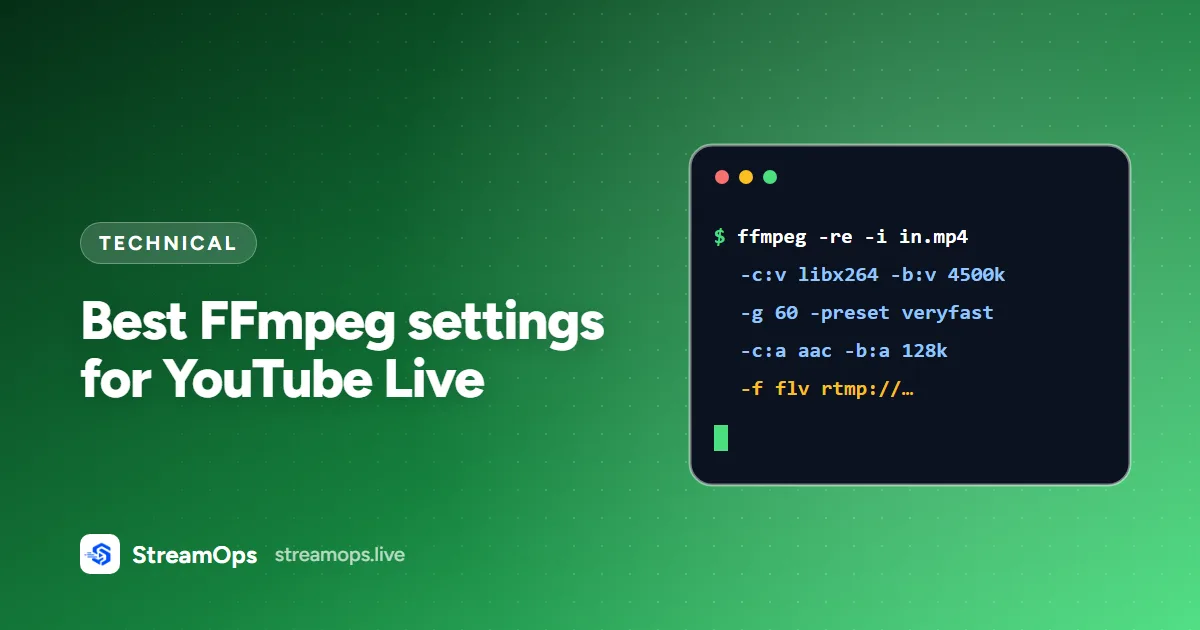
Technical
Best FFmpeg Settings for YouTube Live
Bitrate, resolution, GOP size, and encoder settings that keep a YouTube live stream sharp, stable, and within your upload bandwidth — with copy-paste FFmpeg commands.
Read article
Troubleshooting
Fix YouTube "Poor Connection"
Why YouTube Studio flags your stream with a Poor Connection warning, and the specific settings changes — bitrate, CBR, GPU encoder mode — that fix it for good.
Read article
Comparison
OBS vs StreamOps
OBS Studio vs StreamOps compared: automation, scheduling, multi-stream support, performance, and pricing — and which one fits unattended 24/7 live streaming.
Read article