In short
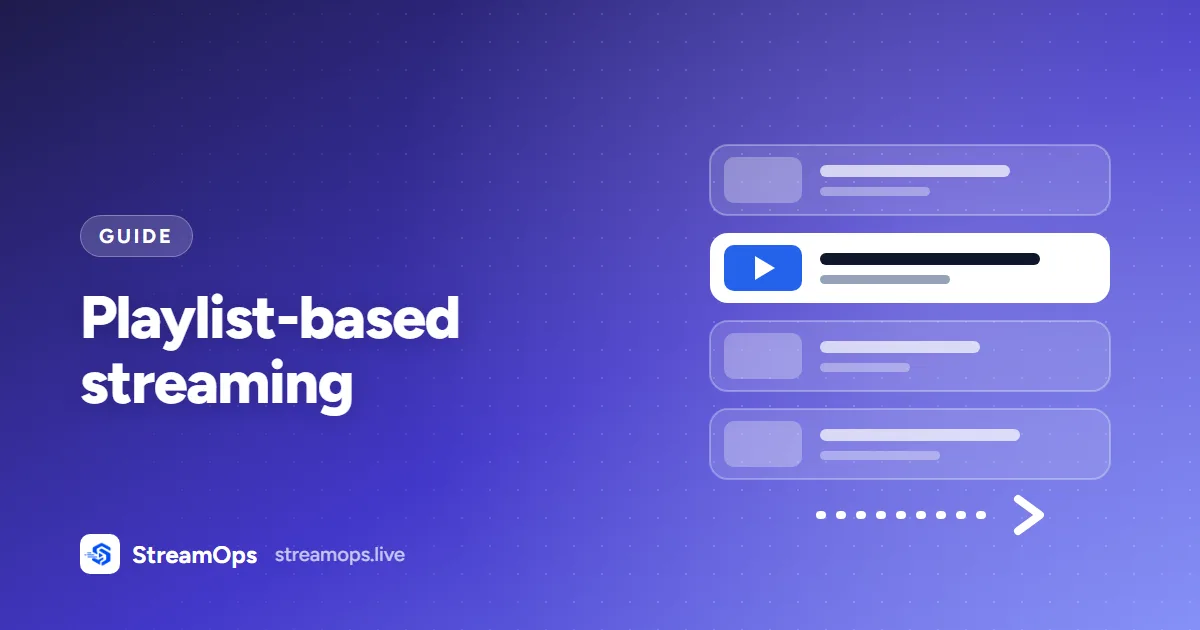
- Playlist-based streaming builds a live broadcast from an ordered list of pre-recorded videos played back to back on a loop.
- A loop under an hour feels repetitive quickly; long-running channels usually run several hours to a day before repeating.
- Special content at a set time is handled as a scheduled takeover that hands back to the regular playlist afterwards.
- Viewers of music, ambience and background channels accept loops — the goal is variety and reliability, not hiding the loop.
What Playlist-Based Streaming Is
Lo-fi radio, ambience channels, meme compilations, training content on a loop — none of it is filmed live. It's a folder of pre-recorded video files, arranged in order, played back to back forever. That ordered list is the playlist, and it's the core unit that a 24/7 stream is built around.
Streaming from a playlist is simple in concept but has a few sharp edges: how the loop is generated, what happens when you edit it mid-stream, and how to fit in one-off scheduled content without breaking the rotation. This guide covers all three.
How Playlist Streaming Works
Under the hood, most playlist-based streaming engines use FFmpeg's concat demuxer: a plain text file listing each video's path, one per line, fed to the encoder with an infinite loop flag — conceptually -stream_loop -1 -i playlist.txt. The encoder reads that file once, opens each listed video in order, and when it reaches the end of the list, starts again from the top.
Building a Playlist That Holds Up
Encode everything to a consistent codec, resolution, and frame rate (H.264, matching resolution/fps) so the encoder doesn't have to re-negotiate settings between files.
Group by energy or theme rather than upload order, and never place two very similar clips back to back — that's where a loop starts to feel repetitive.
A short bumper, title card, or transition between videos gives viewers a natural cue that something new is starting.
The playlist order gets written out to a single concat file that the encoder reads once at stream start.
Once running, the whole playlist repeats indefinitely — no manual "queue the next video" required.
Swap in new videos and retire stale ones every few weeks so a long-running channel doesn't feel frozen in time.
Ordering, not shuffling
Random shuffle sounds appealing but tends to produce awkward runs — three slow tracks in a row, or the same clip twice within an hour. A deliberately curated order, revisited every few weeks, holds up better than randomness for a channel that runs continuously.
Editing a Playlist That's Already Live
Because the encoder only reads the playlist file at launch, reordering, adding, or removing a video while the stream is live doesn't change what's currently airing — the running process is still working from the list it loaded at start time.
There are two ways this gets handled in practice. The naive one: the change silently does nothing until someone manually restarts the stream, and the broadcast briefly interrupts. The better one: the orchestrator detects that the playlist changed, regenerates the file, and restarts the encoder automatically — so the new order takes effect within seconds instead of waiting for a person to notice.
Scheduled Takeovers
Regular playlist rotation covers the steady-state case, but most channels eventually want something outside it — a sponsor segment at a fixed time, a special broadcast, or a holiday video that shouldn't just be inserted into the normal shuffle order.
That's handled as a takeover: at the scheduled time, the current playlist position is temporarily overridden with a specific video (optionally along with an updated title, description, or thumbnail on the destination platform), and once the takeover window ends, control reverts back to the regular playlist exactly where it left off. See our stream scheduling guide for how the underlying timed jobs work.
- One-off takeovers for a single scheduled event.
- Recurring takeovers for something that repeats — a daily announcement, a weekly segment.
- Automatic reversion back to the regular playlist once the window closes, with no manual step required.
Common Playlist Streaming Mistakes
Frequently Asked Questions
What does "playlist-based streaming" actually mean?
It means the live broadcast is generated from an ordered list of pre-recorded video files that play back to back on a loop, rather than from a camera or a human operator switching scenes in real time.
Do I need to restart the stream every time I change the playlist order?
Yes, in most concat-based setups. The encoder reads the playlist file once when it starts, so reordering, adding, or removing videos only takes effect after a restart — good tools detect the change and restart automatically instead of requiring a manual one.
Can I insert a special video at a specific time without breaking the loop?
Yes — this is usually handled as a "takeover": the orchestrator temporarily overrides the current playlist position with a specific video, then hands control back to the regular playlist once the takeover window ends.
How long should a playlist be for 24/7 streaming?
There's no hard minimum, but a loop under an hour tends to feel repetitive fast. Most long-running channels run several hours to a full day of varied content before it repeats.
Will viewers notice the stream is looped, pre-recorded video?
Attentive long-time viewers eventually will, which is normal and accepted for ambience, music, and background-content channels — the goal is variety and reliability, not disguising that it's a loop.
Building a Playlist That Holds Viewers
A playlist is the whole engine behind a 24/7 stream: an ordered list, looped forever, restarted whenever the order changes. Get the ordering and the restart handling right, and layer scheduled takeovers on top for anything that needs to break the rotation — and a video library turns into a channel that can run unattended for months.
StreamOps handles the playlist generation, restart detection, and scheduled takeovers automatically, so reordering a library is a drag-and-drop action instead of a manual FFmpeg restart.